At a café or library
You leave your phone on a table while getting a coffee or stepping away. A movement-triggered alarm alerts you instantly if anyone picks it up.
Protect your device from theft and snooping. Crook Catcher helps you detect unwanted physical handling and identify unauthorized access using movement alarms and unlock-triggered capture features.

Core Protection
Choose the security mode that fits your immediate situation.
Activate an instant movement or removal alert to protect your device in public places or shared environments. Crook Catcher detects unauthorized physical interference before someone can walk away with your phone.

You leave your phone on a table while getting a coffee or stepping away. A movement-triggered alarm alerts you instantly if anyone picks it up.
Charging your phone in an airport terminal, hotel room, or shared workspace? Receive a loud alert the moment someone unplugs your cable.
Keep your phone secure in your pocket or bag with dedicated removal alarms that detect when someone tries to pull it away.
Prevent unwanted handling when you step away from your phone around roommates, family members, or a partner.
Open Crook Catcher and choose the Don't Touch My Phone alarm mode directly from the main interface.
Customize your security triggers like physical movement, pocket removal, or charger disconnection.
Place your phone down or pocket it—the app will sound instantly upon unauthorized physical interference.
Curious if someone is snooping on your phone when you step away? Use the unlock-triggered front-camera capture feature to help identify who accesses your device without permission.

Your phone stays on your desk while you grab a quick break. If a coworker or curious colleague accesses your device, the unlock capture helps identify them.
Want absolute clarity on whether a partner, family member, or roommate went through your phone without asking? Check your private in-app history log.
Find out who tried to peek at your private notifications or messages while your device was left unattended.
Leave your phone down on any table knowing that unauthorized access attempts are quietly and securely logged.
Switch on the Who Touched My Phone detection feature inside the application.
Follow the quick in-app guide to grant the necessary camera permissions safely when prompted by iOS.
Check your secure in-app history log anytime an unlock event triggers a front-camera photo capture.
Why Choose Crook Catcher
Crook Catcher provides two complementary security use cases in a single app: real-time physical interference alarms and unlock-triggered intruder detection. Whether you need an audible alarm when your phone is moved or want to know who accessed your device while you were away, Crook Catcher offers simple, effective protection tailored for iPhone and iPad.
Unlike complex or misleading privacy tools, Crook Catcher focuses strictly on physical security triggers. It does not pretend to be a remote spyware scanner or an antivirus tool; instead, it delivers practical, verifiable features designed to give you peace of mind wherever you leave your phone.
Pricing
Free to download on the App Store. Unlock full protection and all advanced features via flexible in-app purchase options.
| Feature | Plus |
|---|---|
| Full access to Don't Touch My Phone movement alarm | |
| Charger & headphone disconnection protection | |
| Unlock-triggered front-camera capture logs | |
| Ad-free experience with unlimited protection | |
| All future features and iOS updates included forever |
Free to download. Explore in-app options inside the app to unlock full access.
Security Guides
Explore articles and guides on phone alarms, physical privacy protection, detecting unauthorized access, and iOS safety.
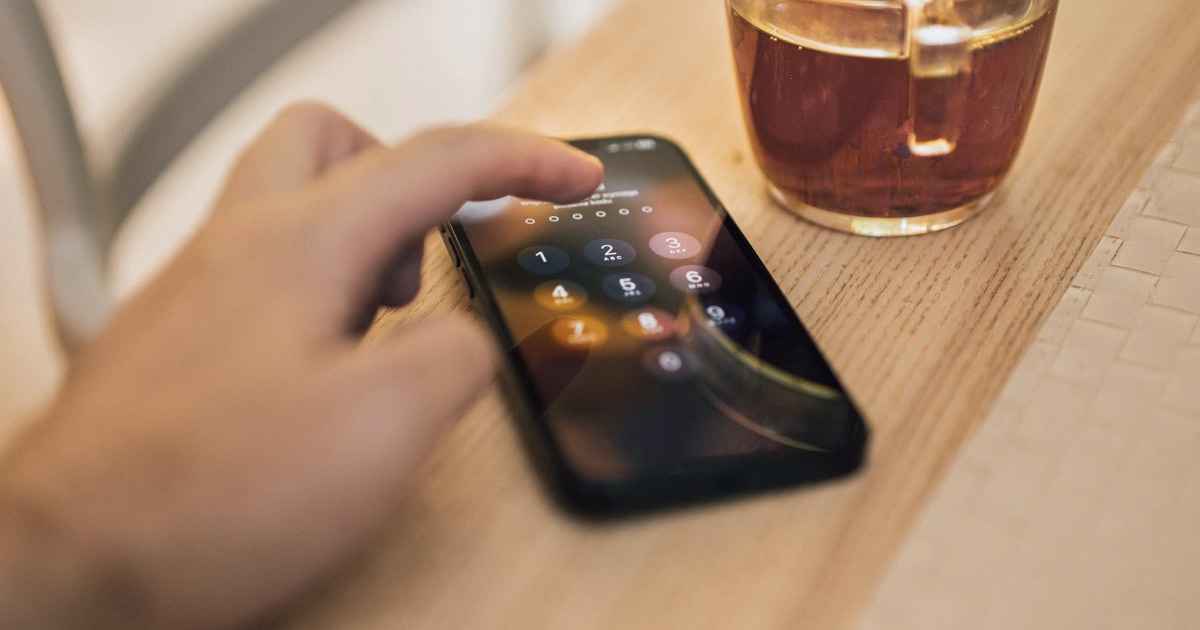
Wondering who unlocked your iPhone while you were away? Learn what iOS can reveal, how to check recent activity, and how Crook Catcher helps detect future unauthorized access.
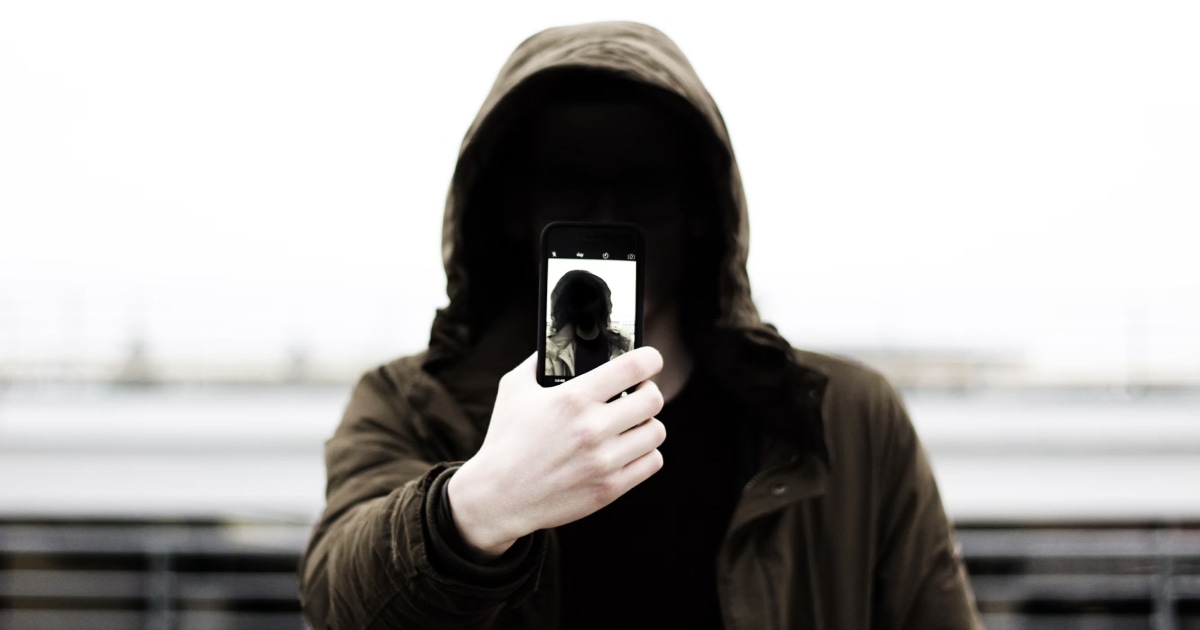
Discover what Crook Catcher does, how iPhone intruder detection works, and how it differs from anti-theft alarms and anti-spyware apps.
Think someone is going through your iPhone without permission? Learn how to check for signs of unauthorized access, protect your private information, and detect future intrusions.

Learn how to set up an iPhone touch alarm, understand the difference between movement and charging alarms, and protect your phone when you leave it unattended.

Looking for an iPhone anti-theft alarm? Compare different ways to protect your phone from unwanted handling, learn which features matter, and choose an approach for your needs.
Learn how to check whether someone has accessed your iPhone without permission, spot unusual activity, secure your accounts, and detect possible future intrusions.
FAQ
Learn more about how Crook Catcher protects your iPhone & iPad against physical theft and unauthorized access.
Crook Catcher is an iOS anti-theft and unauthorized-access detection app. It features a movement-triggered alarm (Don't Touch My Phone) and an unlock-triggered camera capture feature (Who Touched My Phone) to help you keep your iPhone & iPad secure.
When activated, the alarm monitors your iPhone & iPad sensors for physical motion, charger disconnection, or pocket removal. If someone interferes with your phone, an alarm sounds to alert you immediately.
Crook Catcher includes an unlock-triggered front-camera capture feature. When properly configured under supported operating conditions, it takes a photo using the front camera upon unlock so you can review who accessed your device.
Yes, when the Who Touched My Phone feature is enabled with the required permissions granted, the app uses the front camera to capture a photo during supported unlock conditions.
Yes! The movement detection alarm sounds when someone lifts, shifts, or picks up your iPhone & iPad off a desk, table, or nightstand.
Yes, Crook Catcher includes a charger disconnection trigger that sounds an alarm if your iPhone & iPad is unplugged from its power cable.
Crook Catcher protects against physical snoopers and physical theft. It is not an antivirus software or remote spyware scanner, but rather a physical security tool to detect unauthorized handling and access.
While no software can physically stop theft, Crook Catcher deters thieves by sounding an immediate alarm when moved or unplugged, drawing attention and discouraging unauthorized takeaway.
Yes, Crook Catcher is designed natively for both iPhone & iPad operating on current iOS versions.
Yes! Crook Catcher is free to download on the App Store with essential feature previews. You can explore available in-app purchase options directly inside the app to unlock full access and all premium features.
Get Crook Catcher on the App Store
Protect your iPhone & iPad with a movement-triggered anti-theft alarm and unlock-triggered intruder detection. Free to download for iPhone and iPad.