Looking for CrookCatcher on iPhone & iPad? Here's What to Know
Looking for CrookCatcher on iPhone or iPad? Learn why the original app is Android-only and explore Gotcha for intruder selfies when unlocked, motion alarms, and anti-theft alerts.
Quick Answer: The original CrookCatcher app is Android-only. iOS and iPadOS security architecture prevents third-party apps from monitoring failed passcode attempts directly on the lock screen. However, you can get very similar protection on iPhone and iPad with Gotcha, which captures an intruder selfie once the device is successfully unlocked, alongside motion alarms and anti-theft alerts.
Is CrookCatcher available on iPhone or iPad?
If you are searching for CrookCatcher on iPhone or iPad, you want a reliable way to capture an intruder selfie and find out who is snooping through your device without your permission.
The original CrookCatcher app is strictly Android-only. It built its reputation by taking hidden selfies whenever an incorrect lock screen passcode was entered.
While the official CrookCatcher app isn’t on the App Store, you can get similar intruder detection and physical protection on mobile devices using native alternatives like Gotcha.
How the “Intruder Selfie” feature works on iOS & iPadOS
Because of strict app sandboxing and privacy rules on mobile operating systems, third-party apps cannot run invisibly on the lock screen to detect failed passcode attempts or trigger the camera on a wrong password entry.
Instead, security apps like Gotcha adapt to system frameworks: once the device is successfully unlocked, an intruder selfie is captured.
This allows you to catch snoops red-handed with visual proof of who opened your iPhone or iPad.
How to protect your iPhone or iPad with Gotcha
Gotcha offers a complete suite of physical security features tailored to real-world scenarios where your iPhone or iPad is left unattended:
1. Intruder selfie upon successful unlock
If someone manages to gain access to your phone or tablet, Gotcha captures an intruder selfie when the device is unlocked, giving you clear photo evidence of who looked through your personal apps and data.
2. Motion-triggered alarms to deter snoopers
If you leave your iPhone or iPad unattended on a desk at work, in a classroom, or at a gym locker, Gotcha acts as your digital watchdog. Using your device’s built-in accelerometer and motion sensors, the app immediately sounds a loud security alarm if anyone picks up, moves, or shifts your device without your permission.
3. Instant charger-disconnect alerts
Leaving your device plugged into a wall outlet or power bank in public creates an easy target for theft. Gotcha features a charger-disconnect protection mode that triggers an immediate alert if the power cable is unplugged while protection is active.
Additional steps to secure your iOS and iPadOS devices
To maximize device security, combine Gotcha with these best practices:
- Check Activity Clues: Inspect Screen Time logs or battery usage charts to see which apps were opened while you were away. Learn more in our guide on how to find out who unlocked your iPhone.
- Enforce Strong Authentication: Always use a secure passcode along with Face ID or Touch ID to stop unauthorized entry in the first place.
- Hide Notification Previews: Conceal message contents on your Lock Screen so snoops can’t read your incoming texts.
To protect your device against unauthorized handling and catch snoopers, explore Gotcha on the App Store.
Frequently asked questions
- Is CrookCatcher available for iPhone or iPad?
- No, the original CrookCatcher app is strictly Android-only. However, iOS and iPadOS alternatives like Gotcha offer similar security features designed for mobile devices.
- Can an iPhone or iPad take an intruder selfie?
- Yes, but it works differently than on Android. Due to system security restrictions, apps like Gotcha capture an intruder selfie once the device is successfully unlocked.
- What is the best CrookCatcher alternative for iPhone and iPad?
- Gotcha is an ideal alternative, offering intruder selfies upon unlock alongside motion-triggered alarms and charger disconnect alerts.
- Can I find out who unlocked my iPhone or iPad?
- Yes. By using Gotcha, you can capture an intruder selfie when your phone or tablet is unlocked, while also checking Screen Time logs and recent notifications.
- Do motion-triggered anti-theft alarms work on iPhone and iPad?
- Yes. Motion-triggered alarm features in apps like Gotcha run actively on both iOS and iPadOS to sound a loud alert if someone moves or disconnects your device.
Get Gotcha on the App Store
Keep an Eye on Your Phone
Protect your device with a movement-triggered anti-theft alarm and unlock-triggered intruder detection. Free to download for iPhone and iPad.

Keep reading

How to Set an Alarm If Someone Touches Your iPhone
Learn how to set up an iPhone touch alarm, understand movement and charging disconnection triggers, and protect your device when unattended.
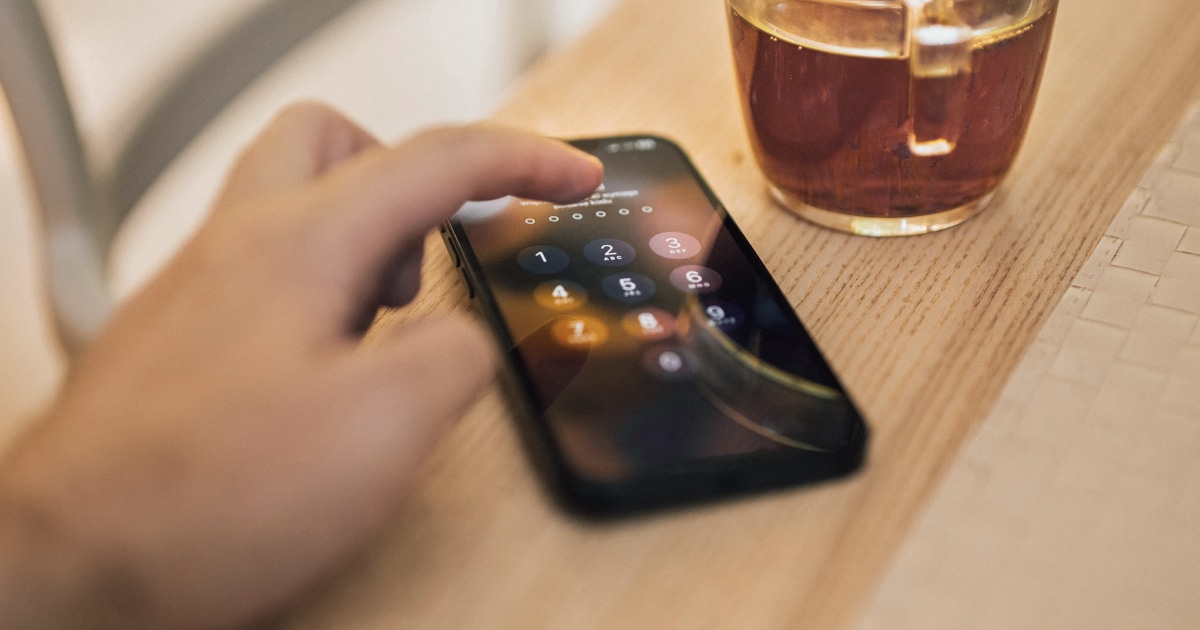
How to Find Out Who Unlocked Your iPhone
Wondering who unlocked your iPhone while you were away? Learn what iOS can reveal, how to check recent activity, and how Crook Catcher helps detect future unauthorized access.