
How to Protect Your Phone From Theft in Public Places
Learn how to protect your iPhone from theft in cafes, public transport, airports, and other public places with practical security habits and anti-theft alarm features.
Why smartphones are targeted in public spaces
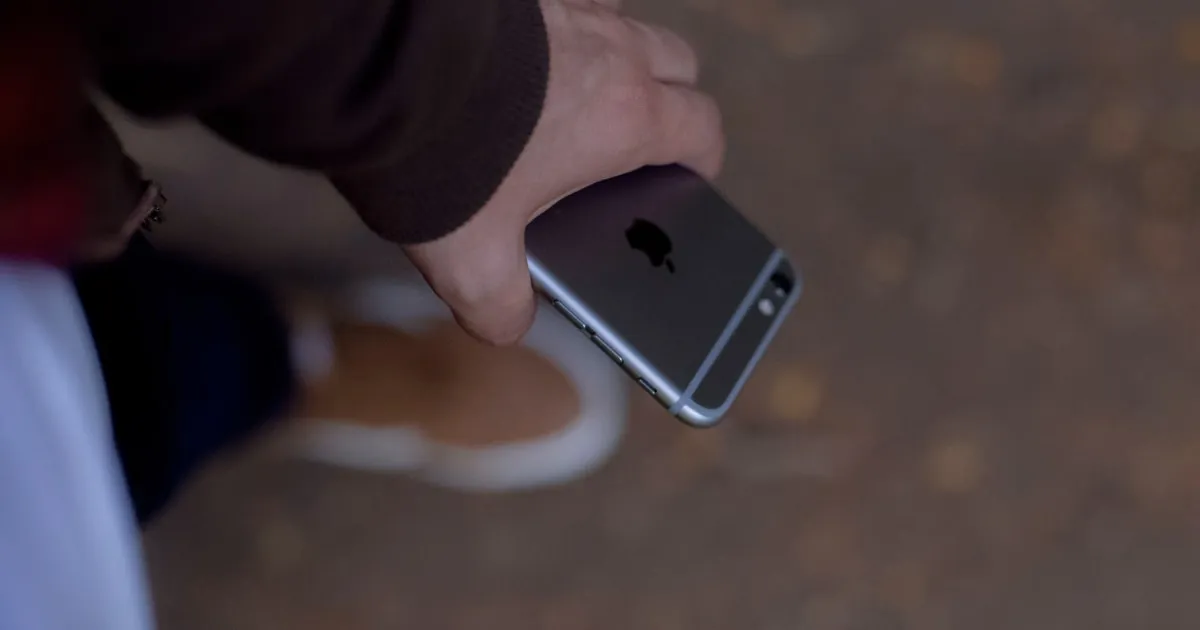
Smartphones are primary targets for opportunistic theft because they are high-value, portable, and frequently used while owners are distracted in busy environments.
Common vulnerability points include:
- Resting a phone on a cafe table or restaurant bar while eating.
- Holding the phone loosely near public transit doors or busy pedestrian crossings.
- Leaving a phone plugged into an airport or coffee shop charging station.
- Carrying a device in an unzipped outer pocket or backpack compartment.
Effective defense combines physical awareness, system-level iOS security, and acoustic anti-theft triggers.
1. Avoid table-top resting in public venues
Leaving a phone on a cafe table or bar counter exposes it to “snatch and run” tactics or distraction theft (where someone places a map or flyer over your device to slide it away unnoticed).
- Keep your phone in a zipped jacket pocket or front bag compartment when not actively in use.
- Avoid placing your phone near table edges, especially outdoors or near venue exits.
- Take your device with you whenever you leave your seat, even for brief moments.
2. Prevent snatch-and-run theft near transit exits
Drive-by snatching on bicycles or scooters frequently targets pedestrians near curb edges and public transport doors right before they close.
- Maintain a firm grip on your device when near roadways or metro train doors.
- Keep your phone tucked away in high-density crowd transitions.
- Turn off notification previews on the Lock Screen so sensitive info isn’t visible while holding your phone.
3. Secure your device with native iOS security features
In the event of physical theft, system safeguards prevent thieves from accessing your personal data or resetting the device:
- Enable Stolen Device Protection: Requires Face ID/Touch ID for sensitive actions (like changing Apple Account passwords) when away from familiar locations (
Settings → Face ID & Passcode → Stolen Device Protection). - Set a strong passcode: Avoid 4-digit PINs. Use an alphanumeric passcode that cannot be easily observed over your shoulder.
- Turn on Find My iPhone: Ensure Find My Network and Send Last Location are enabled (
Settings → [Your Name] → Find My).
4. Deploy anti-theft alarms for shared and charging spaces
When you need to set your phone down temporarily—such as charging in an airport lounge or working at a shared desk—acoustic deterrent apps provide immediate physical warnings.
Crook Catcher offers specialized anti-theft triggers:
- Motion Alarms: Sounds a loud alarm the moment the accelerometer registers that the device was picked up or shifted.
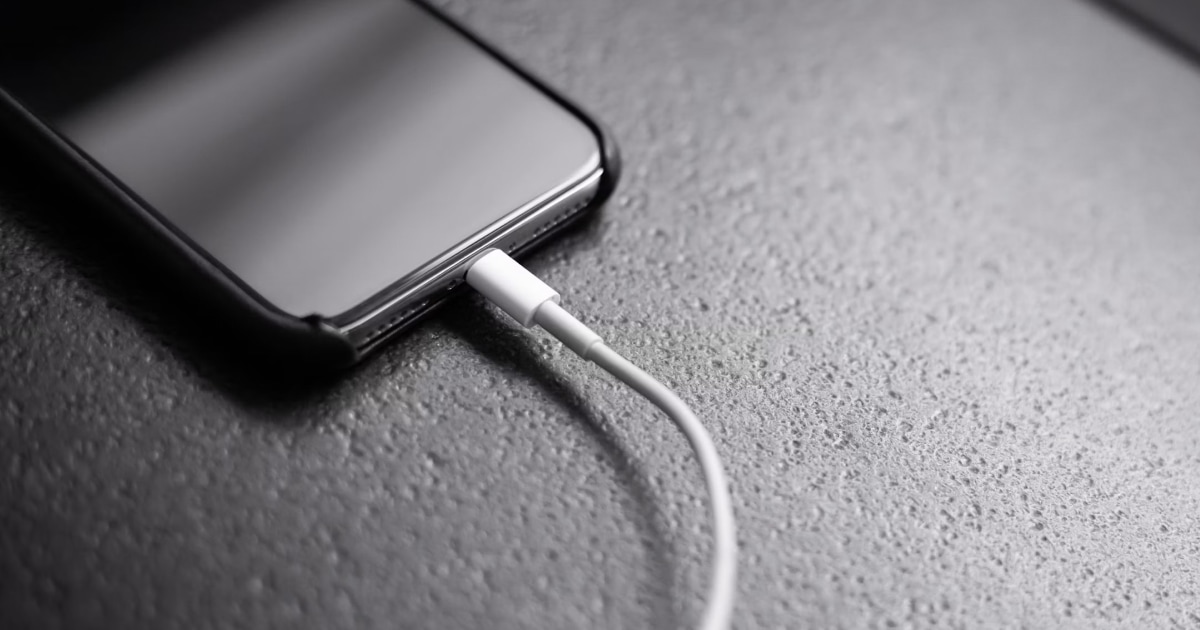
- Charger Disconnect Alarms: Immediately triggers an alert if someone unplugs your Lightning or USB-C cable.
- Intruder Photo Capture: Silently captures a front-camera photo if an unauthorized user attempts to unlock the phone.
Learn more about configuring these triggers in our guide on How to Set an Alarm If Someone Touches Your iPhone.
5. Secure habits for public charging stations
Public USB ports and charging hubs pose both physical theft and security risks:
- Keep your phone within arm’s reach and in sight while plugged in.
- Avoid leaving your device unattended at charging stations.
- Pair your charging session with an app like Crook Catcher configured to trigger an alarm if the cable is disconnected.
Read more in our article on Phone Charger Disconnect Alarms.
Immediate action plan if your iPhone is stolen
- Prioritize safety: Never attempt to physically chase or confront a thief.
- Mark as Lost: Access icloud.com/find on another device to lock your iPhone, suspend Apple Pay, and track its location.
- Notify your carrier: Contact your cellular provider to freeze your SIM or eSIM to prevent unauthorized calls or SMS-based 2FA interceptions.
- Report to authorities: File a report with local police using your device’s serial number and IMEI.
- Beware of phishing scams: Ignore SMS or email messages claiming your lost phone was found that ask for your Apple ID credentials or passcode.
Public Security Checklist
| Protection Layer | Action Item | Status |
|---|---|---|
| Passcode Security | Alphanumeric passcode enabled; simple 4-digit PIN disabled | [ ] |
| System Protections | Stolen Device Protection and Find My toggled ON | [ ] |
| Physical Storage | Stored in zipped inner pockets or front bags | [ ] |
| Active Deterrence | Crook Catcher motion & disconnect alarms ready | [ ] |
Protect your device with Crook Catcher
Combining physical caution, robust iOS settings, and Crook Catcher gives you complete situational control over your iPhone in public spaces.
Download Crook Catcher on the App Store to enable motion alarms and intruder photo capture today.
Frequently asked questions
- How can I protect my phone from theft in public?
- Keep your phone secured in a zipped pocket or bag, enable Find My and Stolen Device Protection, use a strong passcode, and use anti-theft motion alarms in shared areas.
- Where should I keep my phone in crowded places?
- Store your phone in a zipped inner pocket or a front-facing bag. Avoid holding it loosely in crowds or leaving it in accessible outer pockets.
- Can an app stop someone from stealing my iPhone?
- Anti-theft apps act as acoustic deterrents during physical movement or cable disconnects, but should always be paired with physical precautions and native iOS security.
- What should I do immediately if my iPhone is stolen?
- Access Find My on another device to mark it as Lost, notify your cellular carrier to block the SIM, report the theft to local authorities, and change sensitive account passwords.
Get Crook Catcher on the App Store
Keep an Eye on Your Phone
Protect your iPhone & iPad with a movement-triggered anti-theft alarm and unlock-triggered intruder detection. Free to download for iPhone and iPad.

Keep reading

How to Set an Alarm If Someone Touches Your iPhone
Learn how to set up an iPhone touch alarm, understand movement and charging disconnection triggers, and protect your device when unattended.

Best Anti-Theft Alarm Apps for iPhone
Compare top iPhone anti-theft alarm apps, understand key features like motion detection and charger alerts, and choose the right security solution.
How to Detect When Someone Unplugs Your Phone Charger
Want to know when someone unplugs your iPhone? Learn how charger-disconnect alarms work, when to use them, and how to protect your phone while it charges unattended.