

How to Detect When Someone Unplugs Your Phone Charger
Want to know when someone unplugs your iPhone? Learn how charger-disconnect alarms work, when to use them, and how to protect your phone while it charges unattended.
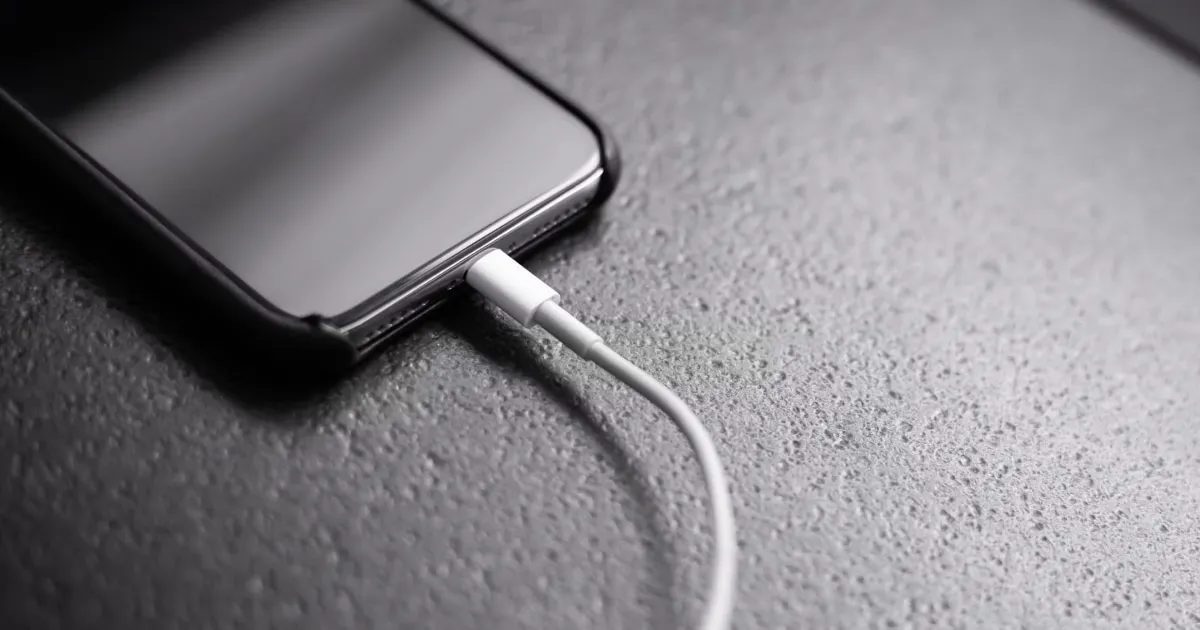
Why use a phone charger disconnect alarm?
Leaving your iPhone plugged in in shared spaces creates an immediate physical security risk: anyone can unplug your cable and walk away with your device in seconds.
Whether at an airport charging hub, shared office desk, coffee shop, or dorm room, a charger-disconnect alarm turns power loss into an acoustic trigger, instantly sounding a loud alert the moment power is cut.
How charger-disconnect detection works
Instead of relying on movement sensors alone, a charger alarm monitors the iOS battery power state.
- Connect your iPhone to a Lightning, USB-C, or wireless charger.
- Open your security app and arm the Charger Disconnect mode.
- Lock your screen and step away.
- When the cable is pulled or power stops, the app detects the power state change and immediately triggers an alarm.
Verification: Test your setup by arming the app, locking the screen, and unplugging the cable. Ensure the alarm sounds immediately and that you know your PIN or biometric action to disarm it.
Key scenarios for charger alarms
- Public Transit & Airports: Prevent theft at crowded charging terminals where phones are left unattended.
- Shared Offices & Classrooms: Discourage coworkers or classmates from unplugging your phone to use the outlet for themselves.
- Hotels & Dorms: Receive immediate alerts if someone tampers with your charging station overnight.
Charger Disconnect Alarm vs. Motion Alarm
| Feature | Primary Trigger | Best Used For |
|---|---|---|
| Charger Alarm | Power state interruption (USB-C/Lightning/MagSafe) | Public charging stations & shared outlets |
| Motion Alarm | Accelerometer & Gyroscope physical movement | Flat surfaces, desks, and nightstands |
| Intruder Detection | Failed unlocks / physical access | Capturing photo proof of snoopers |
Identifying who unplugged your phone
A sound alarm deters physical theft on the spot, but it doesn’t log who unplugged the device once they walk away.
Apps like Crook Catcher bridge this gap by pairing power monitoring and motion alarms with front-camera intruder capture. If someone tampers with your device or attempts an unauthorized unlock after unplugging it, the app silently captures a selfie photo under supported conditions.
Learn more in our guide on What Is Crook Catcher & How Intruder Detection Works.
Best practices while charging unattended
- Use a complex passcode: Ensure your device cannot be unlocked even if disconnected (
Settings → Face ID & Passcode). - Keep Find My enabled: Always keep native location tracking active (
Settings → [Your Name] → Find My). - Deploy active alarms: Arm Crook Catcher before stepping away from charging stations.
Download Crook Catcher on the App Store to enable charger-disconnect and motion alarms today.
Frequently asked questions
- Can my iPhone sound an alarm when someone unplugs the charger?
- Yes. Compatible anti-theft apps monitor battery power states and trigger loud alarms the moment a cable is disconnected.
- Does an iPhone have a built-in charger-disconnect alarm?
- No. iOS native features do not include an acoustic alarm for charger removal; a third-party security utility is required.
- Will an unplug alarm work with wireless or MagSafe charging?
- Yes, provided the anti-theft app monitors general power state interruptions rather than physical port connections only.
- Can a charger-disconnect alarm prevent phone theft?
- It provides immediate acoustic deterrence in shared spaces, alerting you and those nearby the second power is cut.
Get Crook Catcher on the App Store
Keep an Eye on Your Phone
Protect your iPhone & iPad with a movement-triggered anti-theft alarm and unlock-triggered intruder detection. Free to download for iPhone and iPad.

Keep reading

How to Set an Alarm If Someone Touches Your iPhone
Learn how to set up an iPhone touch alarm, understand movement and charging disconnection triggers, and protect your device when unattended.

Best Anti-Theft Alarm Apps for iPhone
Compare top iPhone anti-theft alarm apps, understand key features like motion detection and charger alerts, and choose the right security solution.
How to Protect Your Phone From Theft in Public Places
Learn how to protect your iPhone from theft in cafes, public transport, airports, and other public places with practical security habits and anti-theft alarm features.