How to Secure Your Phone When You Leave It Unattended
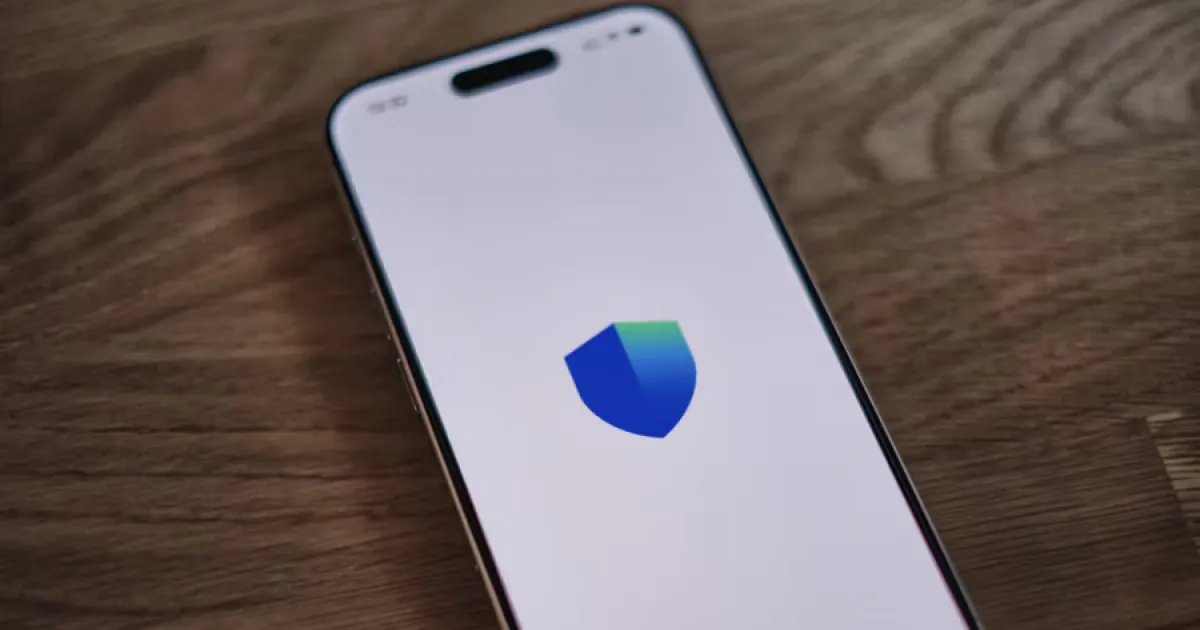
Learn how to secure your iPhone when you leave it unattended at home, work, or in public. Discover practical ways to prevent unauthorized access, protect private data, and get alerts when someone handles your phone.
Protecting your iPhone in shared and public spaces
Leaving your phone on an office desk, kitchen counter, or café table exposes you to two distinct risks: physical theft or casual snooping through your personal messages and photos.
Preventing unauthorized access requires combining system-level iOS protections, notification privacy, and proactive motion-detection tools.
1. Always lock your screen before walking away
An unattended, unlocked device grants anyone nearby direct access to your apps and personal data.
- Press the physical Side button to lock your screen every single time you step away, even for a few seconds.
- Use a strong alphanumeric passcode (
Settings → Face ID & Passcode) rather than an easily guessable 4-digit PIN. - Never share your passcode with family members, friends, or coworkers.
2. Hide private message previews on the Lock Screen
Locking your device doesn’t automatically protect your privacy if incoming notifications display sensitive text conversations or verification codes right on your display.
- Open Settings.
- Tap Notifications.
- Select Messages (and repeat for Mail or WhatsApp).
- Tap Show Previews and change it to When Unlocked (or Never).
This ensures your notifications remain hidden when your phone rests face-up on a desk or counter.
3. Deploy anti-theft motion alarms for active deterrence
When placing your phone down in a shared environment—such as a coffee shop table, office desk, or hotel nightstand—arming a movement-sensitive alarm provides immediate acoustic deterrence if anyone picks it up.
Gotcha offers specialized protection for unattended devices:
- Motion Alarms: Triggers a loud alarm the moment the device accelerometer registers unauthorized movement.
- Charger Disconnect Alarms: Sounds an alert instantly if someone unplugs your cable.
- Intruder Photo Capture: Silently captures a selfie photo if an unauthorized user attempts to unlock your phone under supported conditions.
Read our guide on How to Set an Alarm If Someone Touches Your iPhone.
4. Restrict temporary access with Guided Access
If you need to hand your unlocked iPhone to someone temporarily (such as showing a photo or webpage), use iOS Guided Access to lock them inside that single app.
- Go to Settings → Accessibility → Guided Access and toggle it on.
- Open the app you want to share, triple-click the side button, and start a session.
This prevents anyone from exiting the app to browse your private messages or photos.
Unattended Security Checklist
| Security Measure | Recommended Action | Status |
|---|---|---|
| Passcode Strength | Custom alphanumeric code enabled | [ ] |
| Lock Screen Privacy | Message previews set to “When Unlocked” | [ ] |
| Physical Habit | Device locked immediately before walking away | [ ] |
| Active Monitoring | Gotcha motion alarms armed | [ ] |
Secure your phone with Gotcha
Combining proper physical habits, notification privacy, and Gotcha ensures your iPhone remains protected whenever you leave it unattended.
Download Gotcha on the App Store to enable motion alarms and intruder photo capture today.
Frequently asked questions
- How do I protect my phone when I leave it unattended?
- Lock your iPhone, use a strong passcode, hide sensitive notification previews, and keep it somewhere secure. In shared spaces, deploy anti-theft motion alarms.
- Can I make my iPhone sound an alarm if someone picks it up?
- Yes, compatible third-party security apps provide movement-triggered alarms when motion sensors detect the phone being shifted.
- Should I leave my phone charging unattended?
- Avoid leaving your device unattended in public or shared spaces unless you have armed an anti-theft motion or charger-disconnect alarm.
- What should I do if someone accessed my phone while I was away?
- Change your device passcode immediately, audit signed-in Apple Account devices, and check your privacy settings.
Get Gotcha on the App Store
Keep an Eye on Your Phone
Protect your iPhone & iPad with a movement-triggered anti-theft alarm and unlock-triggered intruder detection. Free to download for iPhone and iPad.

Keep reading

How to Set an Alarm If Someone Touches Your iPhone
Learn how to set up an iPhone touch alarm, understand movement and charging disconnection triggers, and protect your device when unattended.
How to Protect Your Phone From Theft in Public Places
Learn how to protect your iPhone from theft in cafes, public transport, airports, and other public places with practical security habits and anti-theft alarm features.
How to Protect Your Phone From Curious Friends and Family
Learn how to protect your iPhone from curious friends and family without creating unnecessary conflict. Secure your passcode, hide private notifications, and prevent unwanted access to personal information.