What Is Gotcha? How Phone Intruder Detection Works
Discover what Gotcha does, how iPhone intruder detection works, and how it differs from anti-theft alarms and anti-spyware apps.
What is Gotcha?
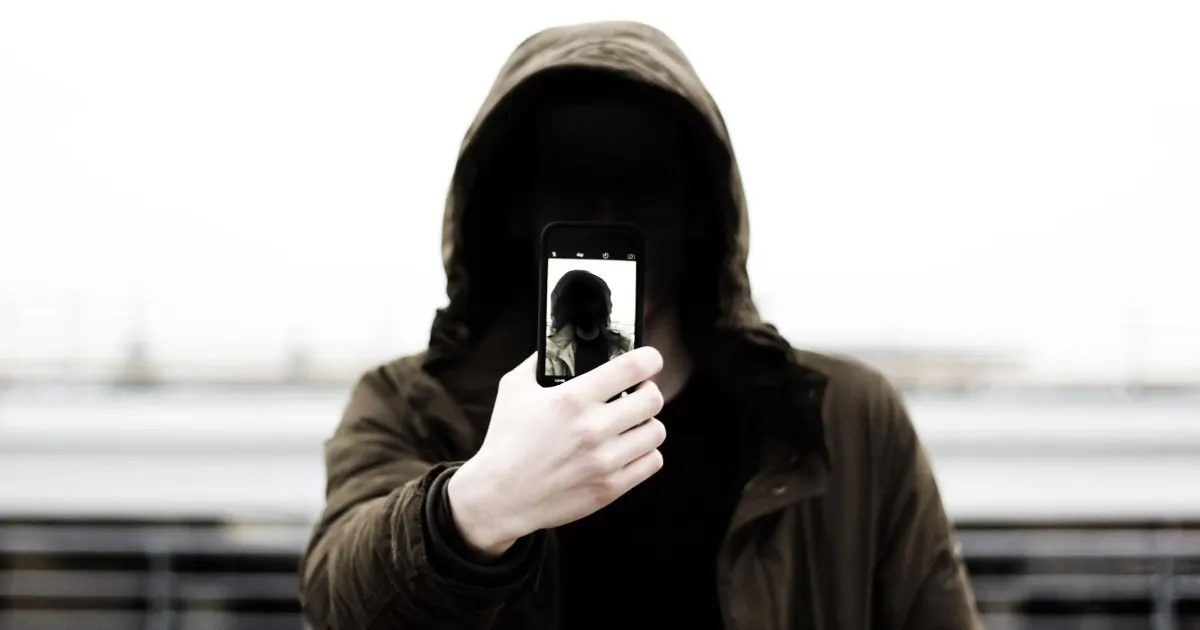
Gotcha is an iPhone security utility designed to protect your device against unauthorized physical handling and snooping when left unattended.
It combines two complementary defense layers in one tool:
- Don’t Touch My Phone (Anti-Theft Alarms): Triggers loud acoustic warnings when the device registers physical movement or when a charger cable is disconnected.
- Who Touched My Phone (Intruder Detection): Captures front-camera selfie photos under supported conditions to identify who attempted physical access.
Key capabilities and use cases
1. Motion & Charger Removal Detection
Leaving your phone on an office desk or charging at a public outlet exposes it to snatch-and-run theft.
- Motion Alarm: Uses the accelerometer and gyroscope to detect when the device is lifted or shifted.
- Charger Alarm: Monitors the battery state and triggers an immediate sound alert if the Lightning/USB-C cable is unplugged.
2. Intruder Photo Capture
If someone picks up your device or attempts an unauthorized unlock while you’re away, Gotcha uses the front camera to capture a selfie photo under supported operating conditions, providing clear visual evidence of who handled your phone.
Security Tool Comparison
| Security Utility | Primary Purpose | Key Difference |
|---|---|---|
| Gotcha | Physical handling deterrence & intruder identification | Combines acoustic motion alarms with front-camera photo logging |
| Passcode & Face ID | Core iOS access restriction | Controls system entry, but provides no photo proof or motion alarms |
| Apple Find My | Device recovery & remote wiping after loss | GPS tracking tool designed for post-theft recovery |
| Anti-Spyware Tools | System file scanning & network auditing | Targets software exploits rather than physical device tampering |
Practical Workplace & Daily Use Cases
- Shared Offices & Desks: Arm motion alarms to detect when a coworker moves your phone while you step away.
- Public Charging Stations: Monitor cable connections at cafes or airports with charger-disconnect alerts.
- Home & Dorm Privacy: Capture photographic proof if a roommate or curious friend attempts to inspect your device.
Maximizing your iPhone security setup
- Set an alphanumeric passcode: Upgrade from a 4-digit PIN via Settings → Face ID & Passcode.
- Hide Lock Screen previews: Prevent message contents from flashing across locked screens (
Settings → Notifications → Messages → Show Previews → When Unlocked). - Arm active protection: Enable Gotcha motion alarms whenever leaving your device unattended in shared spaces.
Explore Gotcha on the App Store to enable motion alarms and intruder photo capture today.
Frequently asked questions
- What is Gotcha?
- Gotcha is an iPhone security app combining motion and charger anti-theft alarms with front-camera intruder selfie capture.
- Can Gotcha tell me who unlocked my iPhone?
- Under supported operating conditions, its access detection feature uses the front camera to capture a selfie during unauthorized access attempts.
- Is Gotcha an anti-spyware app?
- No. Gotcha focuses on physical handling and access detection; it is not a system-wide malware or spyware scanner.
- Does Gotcha prevent phone theft?
- An acoustic alarm acts as an immediate physical deterrent when someone handles or unplugs your phone, but should always be paired with physical precautions and native iOS security.
Get Gotcha on the App Store
Keep an Eye on Your Phone
Protect your iPhone & iPad with a movement-triggered anti-theft alarm and unlock-triggered intruder detection. Free to download for iPhone and iPad.

Keep reading

Best Anti-Theft Alarm Apps for iPhone
Compare top iPhone anti-theft alarm apps, understand key features like motion detection and charger alerts, and choose the right security solution.
How to Catch Someone Snooping on Your Phone
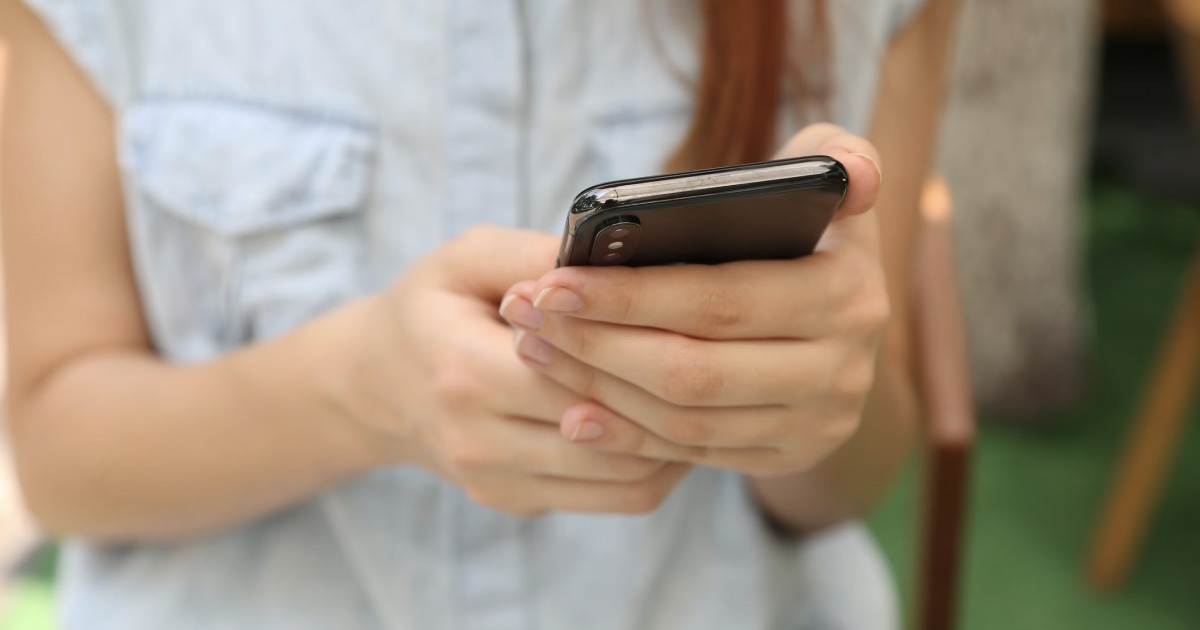
Think someone is going through your iPhone without permission? Learn how to spot unauthorized access, protect your privacy, and capture snoopers.
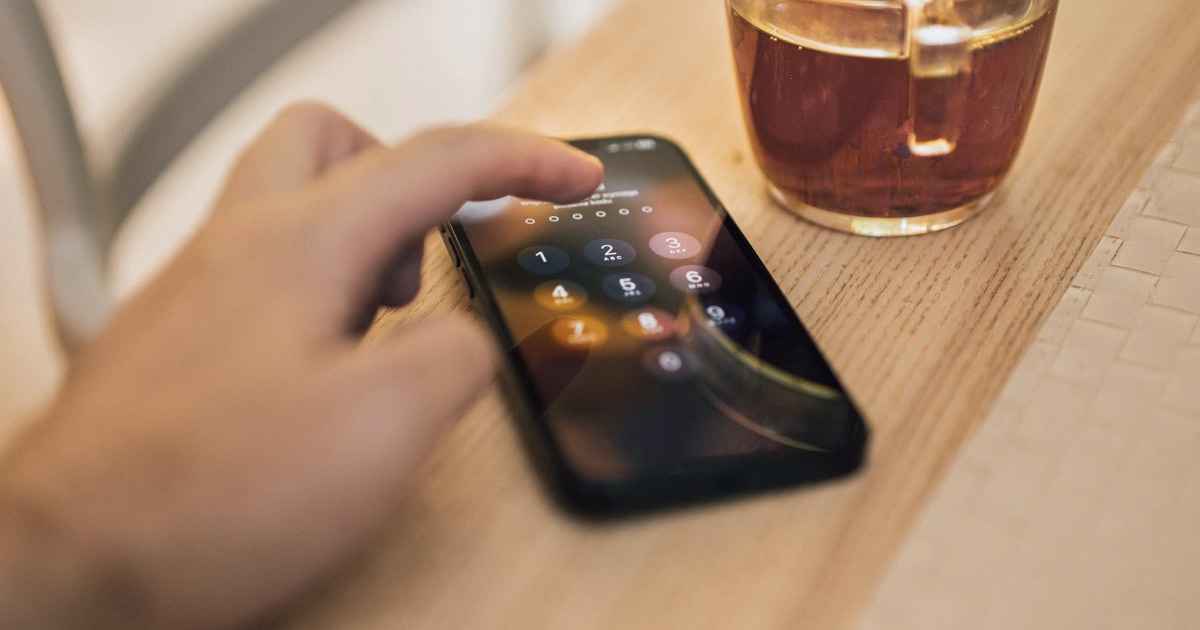
How to Find Out Who Unlocked Your iPhone
Wondering who unlocked your iPhone while you were away? Learn what iOS can reveal, how to check recent activity, and how Crook Catcher helps detect future unauthorized access.